


A sudden system failure or improper shutdown can do more than just interrupt your work.
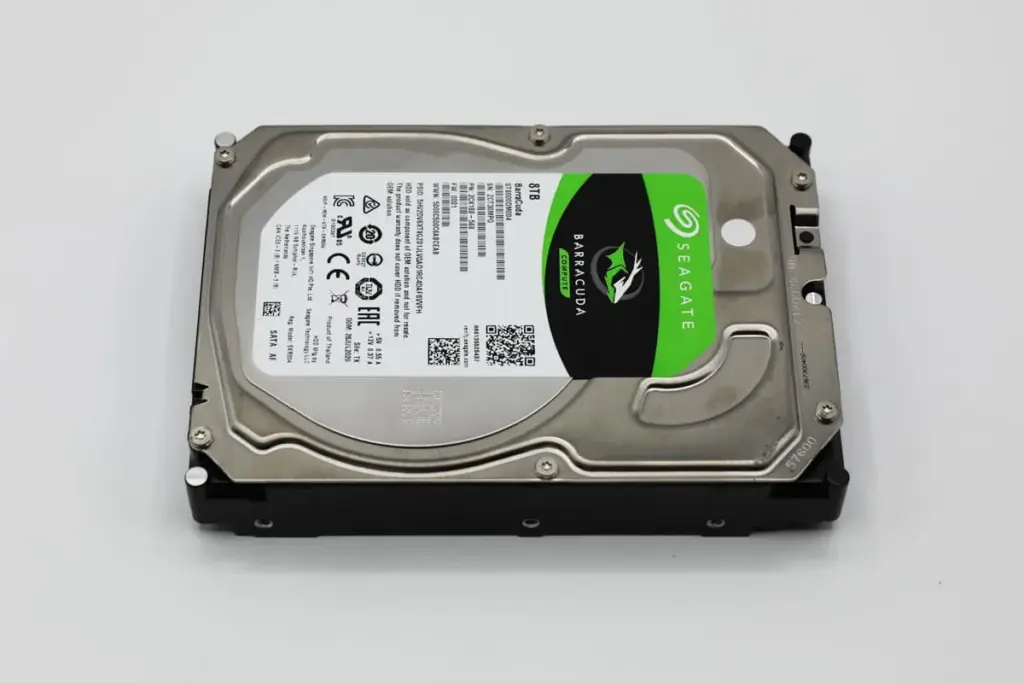
For a small business owner in the Northeast, it resulted in a Seagate Barracuda hard drive that was recognized by the computer but effectively “empty” of its most critical operational files.
This case study examines how PITS Data Recovery addressed a complex logical failure to restore directory integrity and rescue business-critical data.
The Scenario: Missing Folders and Corrupted Files
The client, an operations manager, contacted PITS after a workstation experienced an unexpected power loss. Upon rebooting, the Seagate Barracuda drive appeared in the file explorer, but the results were alarming:
- Primary project folders had completely disappeared.
- Remaining file names were replaced by illegible symbols and strings of characters.
- Attempting to open existing documents triggered “File Not Found” or “Format Disk” error messages.
The drive was still spinning and detected by the BIOS, which often leads users to believe a simple software fix will work.
However, the inconsistent behavior suggested deep-seated file system corruption that required a stabilized environment to prevent further data degradation.
Industry-Leading 99% Success Rate
No hidden fees. No surprises. Just expert data recovery you can trust. We handle everything from simple file loss to extreme data recovery cases. If we can’t recover your data, no one can.
The Risk of DIY Rebuilds and Software
When a drive is logically compromised, every second it remains powered on and “mounted” by an operating system increases the risk.
Standard OS utilities like chkdsk or First Aid often attempt to “fix” the file system by deleting or overwriting corrupted index markers.
Running automated repair utilities on a corrupted Seagate drive can lead to permanent data loss. These tools prioritize file system “cleanliness” over data preservation, often deleting the very pointers needed to recover your files.
Technical Evaluation: Identifying Logical Corruption
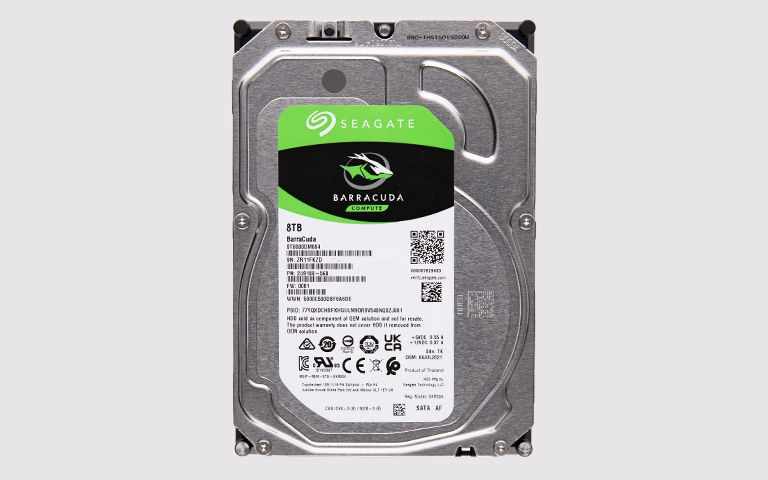
Our diagnostic evaluation confirmed that the drive’s hardware was fully functional, ruling out mechanical damage to the heads or platters. The primary issue was a severe logical failure caused by an improper shutdown during a file write operation.
This event left the drive in a state of file system corruption where the Master File Table (MFT) became inconsistent. While the client’s data remained physically present on the drive, the “map” used to locate and identify folders was broken, leading to the corrupted file names and missing directories observed by the user.
Don't Let Data Loss Ruin Your Business
Minimize business disruption. We retrieve lost data fast, so you can focus on what matters.
How PITS Approached the Recovery
To ensure the highest probability of success, our team followed a strict professional protocol:
Bit-Level Imaging
We created a 1:1 clone of the Seagate drive to ensure we were working on a copy, preserving the original hardware from unnecessary stress.
MFT Reconstruction
Using specialized hexadecimal editors, our engineers manually identified the boundaries of the lost partitions and rebuilt the logical directory.
Recursive File Carving
For folders that were no longer indexed, we used proprietary tools to “carve” data based on known file signatures, bypassing the corrupted file system entirely.
Integrity Validation
Once the data was extracted, we verified the functionality of the critical business files to ensure they were not just “recovered” but actually usable.

Your Data Security Is Our Priority
Data privacy isn’t optional. It’s our commitment. Our secure recovery process ensures your sensitive information stays protected from start to finish.
HIPAA Compliant
GDPR Compliant
Secure Facility
NDA Available
Trust in certified security. Start your recovery today! Call Now: 888.611.0737
Recovery Outcome
Following the recovery process, our engineers restored access to the file system and recovered the client’s data from the Samsung hard drive. Once the logical str
ucture was rebuilt, the recovered files were transferred to a separate secure storage device for review.
The client then completed remote verification to confirm the restored data supported active projects and ongoing delivery needs.
Why Professional Recovery Mattered
Logical failures are deceptive. Because the drive still “works,” it is tempting to keep trying different software solutions.
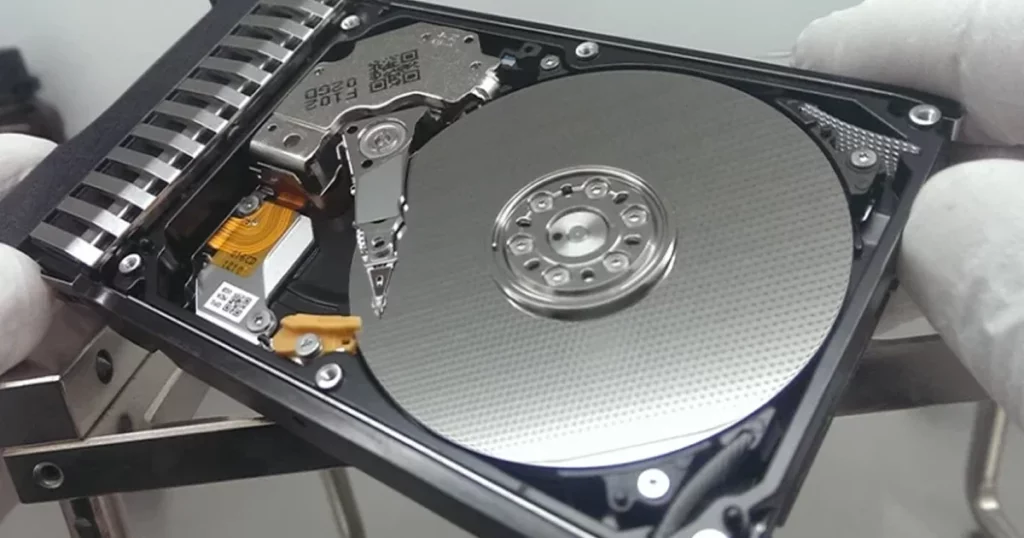
However, professional Seagate hard drive data recovery is about more than just software; it is about a controlled process that prevents the drive from overwriting the very data you are trying to save.
If your drive shows “corrupted” or “missing” files after a crash, the data is likely still there. The most important step is to stop using the drive immediately to prevent the OS from writing new temporary files over your lost data.

DIY Recovery
Risks permanent data loss
Let the Specialists Handle It
DIY attempts often result in permanent data loss. Our certified recovery specialists use advanced tools in controlled environments for the highest success rate.

24/7 Emergency Service
Final Takeaway and Next Steps
Data loss on a Seagate Barracuda or similar HDD is often reversible if handled correctly from the moment the failure is detected.
If you are seeing corrupted file names, missing folders, or “disk not formatted” errors, seeking professional guidance early is the most reliable way to protect your information.
Do not risk your critical data with unverified repair tools.
Frequently Asked Questions
Get a Free Consultation.
Our recovery experts are ready to assess your device and guide you through the safest path to recovery. Fill out the form to get started.
"*" indicates required fields