

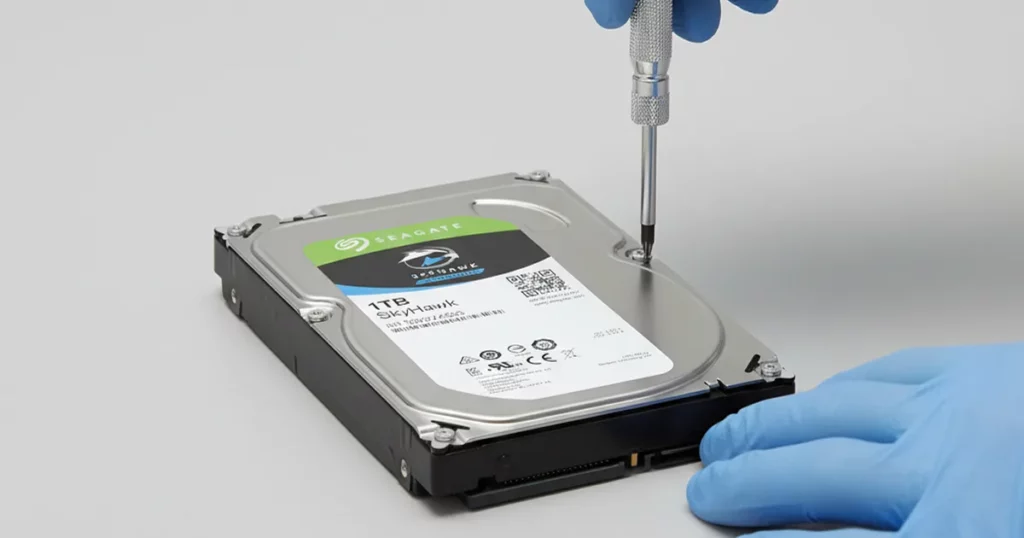
A business client reached out with six Seagate SkyHawk hard drives used in a surveillance storage system.
They needed access to recorded footage quickly, but the drives were no longer stable enough for normal access.
Our team initiated a controlled evaluation to determine what failed and how to recover the footage without escalating damage.
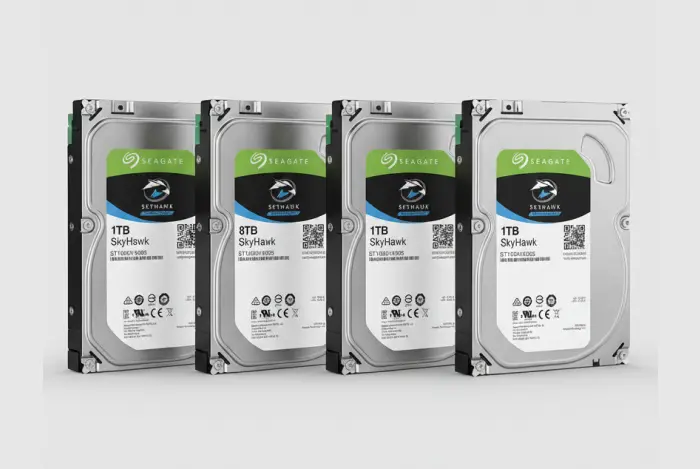
Client Situation: Surveillance Footage Needed Fast
What the client needed
The client’s priority was simple: regain access to surveillance footage that was critical for business operations and incident review.
What made the case time-sensitive
Footage availability windows can be limited on surveillance systems
Drive instability can worsen with repeated power cycles and re-scan attempts
Multiple drives increase complexity and coordination requirements
The fastest path is not “try again,” it is a controlled assessment followed by a recovery plan designed for unstable media.

DIY Recovery
Risks permanent data loss
Let the Specialists Handle It
DIY attempts often result in permanent data loss. Our certified recovery specialists use advanced tools in controlled environments for the highest success rate.

24/7 Emergency Service
System Profile: Seagate SkyHawk for CCTV Storage
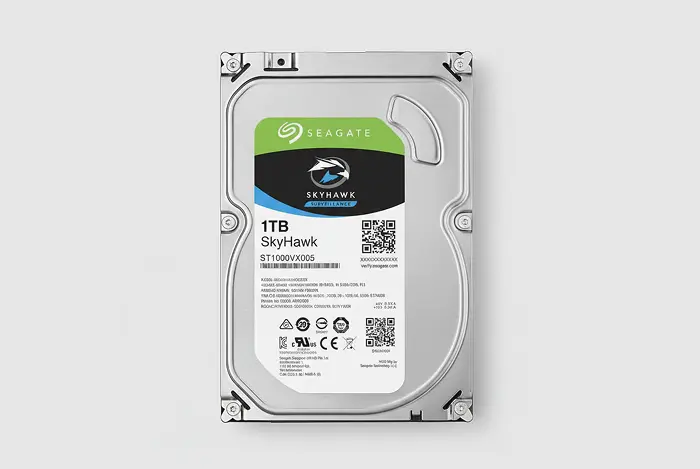
Seagate SkyHawk drives are purpose-built for surveillance workloads, typically installed in DVR and NVR systems that run continuous writes. That operating pattern matters because when a SkyHawk starts failing, the drive can degrade quickly under normal recording and playback activity.
In multi-drive surveillance setups, you also have added pressure points: multiple disks, multiple connectors, and tighter timelines because older footage may be overwritten as the system continues to operate.
For supported Seagate models and recovery scope, explore our Seagate hard drive recovery service.
Problem: Physical Damage and Connection Failures
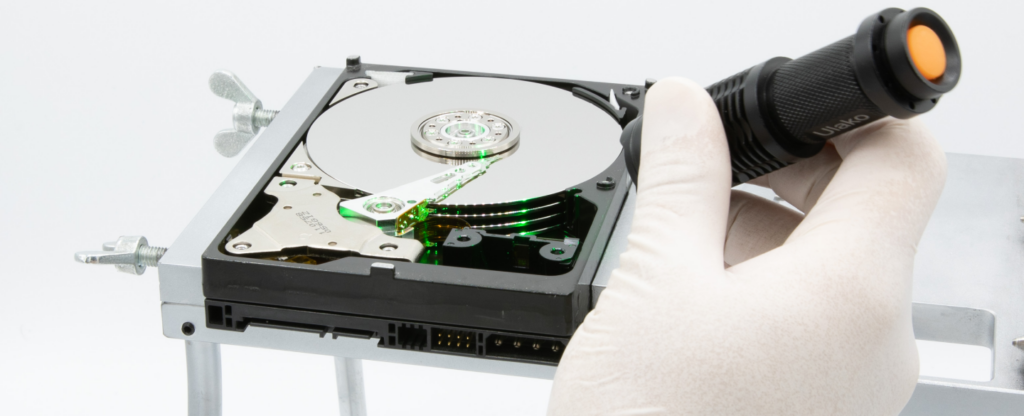
The drives arrived with clear signs of physical stress. Our assessment indicated shock-related damage affecting internal and external components, creating unstable access conditions.
Several units also had connector-level issues, including bent or broken parts that prevented reliable connection to recovery equipment. In surveillance cases, this combination is a high-risk scenario because instability increases with every retry.
Your Data Security Is Our Priority
Data privacy isn’t optional. It’s our commitment. Our secure recovery process ensures your sensitive information stays protected from start to finish.
HIPAA Compliant
GDPR Compliant
Secure Facility
NDA Available
Trust in certified security. Start your recovery today! Call Now: 888.611.0737
Diagnostic Highlights: What We Found Across Six Drives
We grouped the drives by failure pattern to choose the safest recovery sequence and avoid wasting time on unstable units first.
| Drive condition group | What we observed | Operational impact |
|---|---|---|
| Impact damage (internal) | Signs consistent with head and platter damage | Required controlled handling and parts-level work |
| Electronics and PCB stress | Board level damage indicators | Needed stabilization before consistent access |
| Connection issues | Bent or broken connectors on some drives | Blocked standard connectivity until corrected |
This diagnostic breakdown is what drives the recovery plan, not assumptions. It determines which drives are imaged first, which require parts work, and how to prioritize footage extraction.
Recovery Process: Stabilize, Extract, Rebuild
We executed the recovery in three controlled phases to reduce risk and move quickly toward usable footage.
Step 1: Hardware stabilization
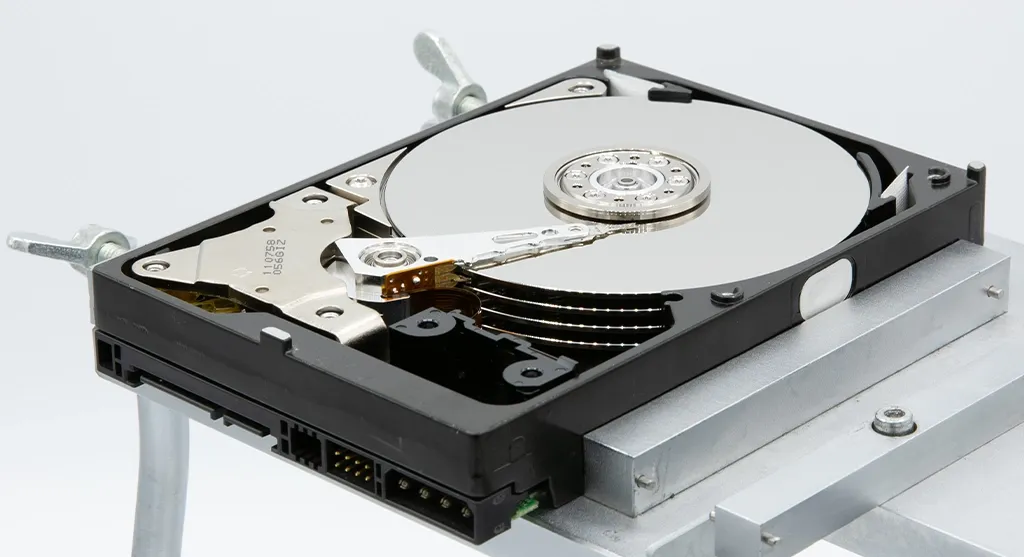
We repaired or replaced damaged components where needed, including elements tied to heads, platters, and PCB level stability. This step was required before any safe extraction could begin.
Step 2: Data extraction
Once stable, we performed physical and logical extraction using lab equipment designed for failing drives, then captured the readable footage data in a controlled way rather than forcing repeated retries.
Step 3: Footage rebuild
We rebuilt the recovered video dataset into a usable structure for review and export.
If your Seagate drive is making noise or clicking, that is often a sign of internal damage. Read more about Seagate external hard drive clicking.
Result: Surveillance Footage Restored for Review
We recovered over 95% of the surveillance footage across the six Seagate SkyHawk drives. The dataset included footage from multiple time periods relevant to the client’s review needs, not just isolated clips.
To make the output usable immediately, we organized the recovered footage into a clean deliverable structure and validated that the video files could be opened and played back before handoff. The final data was transferred to a new storage device, ready for internal review and retention.
Hear it from our Client
Don't Let Data Loss Ruin Your Business
Minimize business disruption. We retrieve lost data fast, so you can focus on what matters.
Contact Us for Seagate Surveillance Recovery
If your Seagate SkyHawk surveillance drives are failing, stop DIY attempts and get a controlled evaluation. We will confirm the damage scope, extract footage safely, and deliver a usable dataset for review.
Send the drive count, SkyHawk model details, current symptoms, and what has been attempted so far. Then start here: Seagate external hard drive data recovery.
Get a Free Consultation.
Our recovery experts are ready to assess your device and guide you through the safest path to recovery. Fill out the form to get started.
"*" indicates required fields