

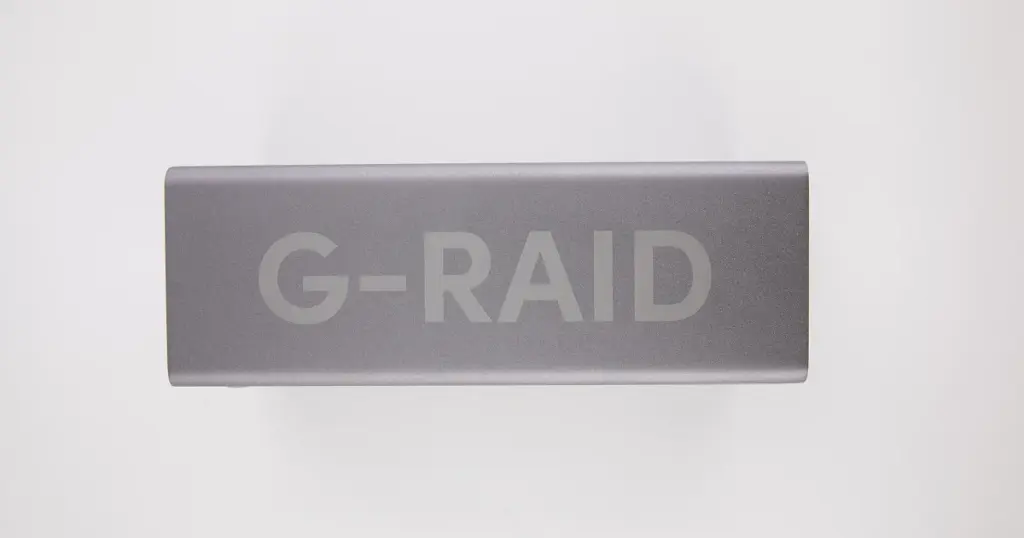
When a high-performance G-RAID system fails, the impact on a creative professional or media agency is immediate.
These devices are the backbone of high-resolution video editing and digital archiving, often housing years of intellectual property.
At PITS Data Recovery, we recently managed a critical case involving a G-RAID (RAID 0) unit that had become completely inaccessible, putting a high-priority production deadline at risk.

The Customer Situation: High-Stakes Media Production
A creative professional based in the US contacted our team after their primary work volume, a multi-terabyte G-RAID system, suddenly dropped offline. The drive contained over 14TB of high-resolution video archives and essential project documentation.
In this scenario, the stakes were exceptionally high:
- Immediate Project Deadline: The client was in the final stages of a production cycle.
- RAID 0 Vulnerability: Because the device was configured for speed (RAID 0), there was no redundancy. The failure of a single internal disk meant the entire volume was lost.
- Irreplaceable Data: The archives included raw footage that could not be re-shot.
Industry-Leading 99% Success Rate
No hidden fees. No surprises. Just expert data recovery you can trust. We handle everything from simple file loss to extreme data recovery cases. If we can’t recover your data, no one can.
Technical Diagnosis: Mechanical Spindle Seizure
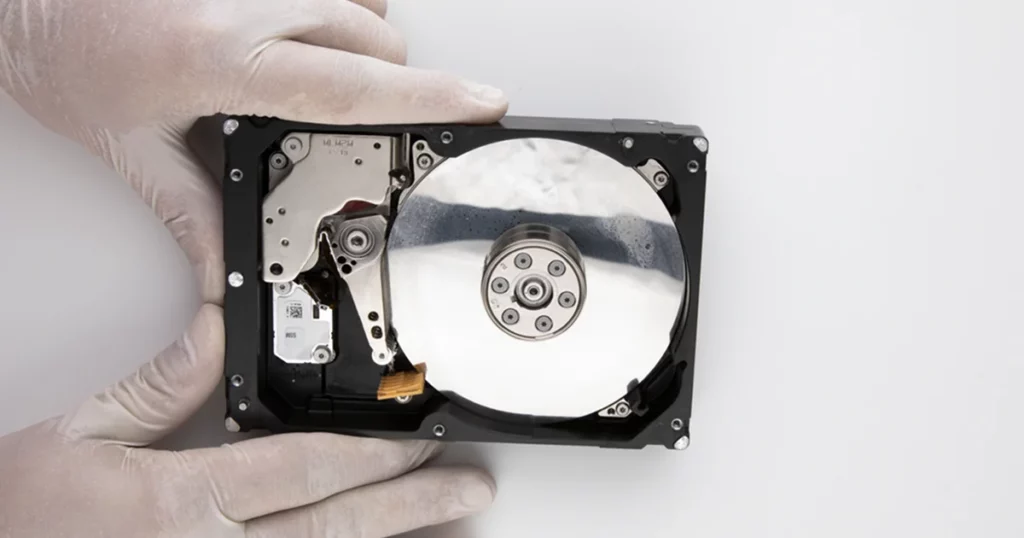
Upon arrival at our facility, the unit was moved directly to our Class 100 Cleanroom for a non-destructive evaluation. Our engineers identified a mechanical spindle motor seizure in one of the two drives within the G-RAID enclosure.
The spindle motor is responsible for spinning the platters at thousands of revolutions per minute. When this motor seizes, the platters cannot spin, and the data becomes physically inaccessible to the operating system.
Because RAID 0 stripes data across both drives, the failure of this one mechanical component rendered the entire 14TB volume “dead.”

The PITS Recovery Process: Surgical Precision
Recovering data from a seized spindle motor requires highly specialized tools and an environment free of microscopic contaminants. Our team followed a rigorous multi-stage protocol:
Surgical Component Replacement
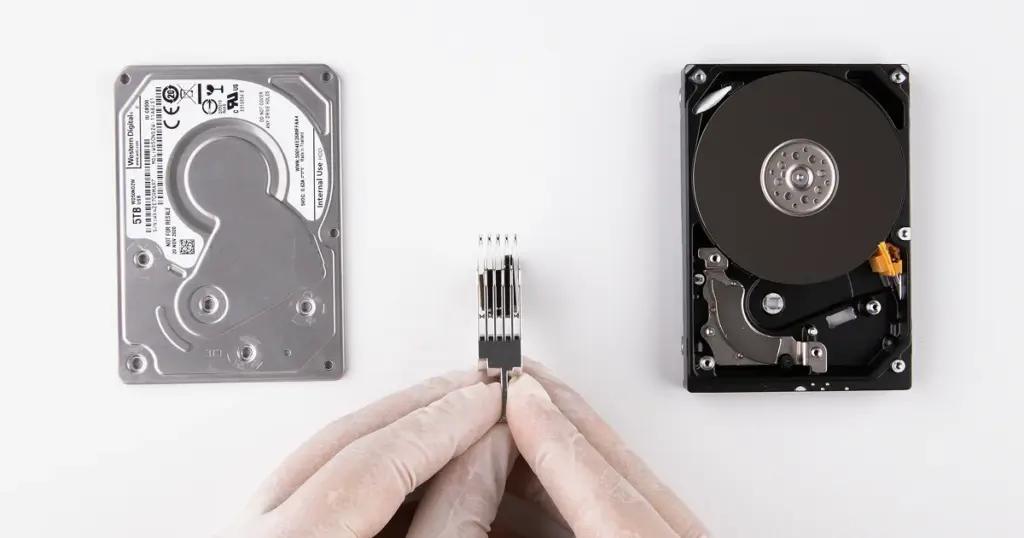
In the Cleanroom, we performed a delicate platter migration, moving the original data platters from the failed drive into a functional donor chassis with a working motor.
Bit-Level Imaging
Once the drive was stabilized, we created a 1:1 sector-by-sector image of the failed disk to ensure we were working with a safe digital copy.
Virtual RAID Reconstruction
Our RAID specialists manually identified the original stripe size and parity parameters to virtually rebuild the RAID 0 array.
File System Repair
We addressed logical corruption within the HFS+ file system caused by the sudden hardware crash.
Your Data Security Is Our Priority
Data privacy isn’t optional. It’s our commitment. Our secure recovery process ensures your sensitive information stays protected from start to finish.
HIPAA Compliant
GDPR Compliant
Secure Facility
NDA Available
Trust in certified security. Start your recovery today! Call Now: 888.611.0737
Recovery Outcome and Timeline
The intervention was a total success. By bypassing the mechanical failure and manually reconstructing the array, PITS Data Recovery achieved a 100% restoration of the client’s files.
- Total Data Recovered: 14TB+
- File Integrity: Full folder structures and HFS+ metadata preserved.
- Delivery: The recovered data was transferred to a new, secure encrypted drive and shipped to the client, allowing them to meet their production deadline without losing a single frame of footage.
Don't Let Data Loss Ruin Your Business
Minimize business disruption. We retrieve lost data fast, so you can focus on what matters.
Why Professional RAID 0 Recovery Matters
RAID 0 is designed for speed, not safety. It offers no “fail-safe” if a drive develops a mechanical issue.
When a G-RAID unit fails, the complexity of the HFS+ or APFS file systems combined with the hardware-level striping makes “home fixes” or standard undelete software useless.
Always check the health of your G-RAID using the manufacturer’s utility software. If you notice increased heat, vibration, or slow mounting times, back up your data immediately and replace the unit.
Prevention: Protecting Your Creative Workflow
G-RAID (RAID 0) is built for speed, not safety. To safeguard your future projects, implement these strategies:
- Follow the 3-2-1 Rule: Maintain three copies of your data on two different media types, with one copy stored off-site or in the cloud.
- Upgrade to RAID 5: Use a 4-bay or 8-bay enclosure configured for redundancy. This allows a drive to fail without losing any data.
- Use SMART Monitoring: Use health-check utilities to monitor “Spin Retries.” If health scores drop, replace the drives immediately.
- Install a UPS: An Uninterruptible Power Supply prevents spindle seizures caused by sudden power surges or outages.

DIY Recovery
Risks permanent data loss
Let the Specialists Handle It
DIY attempts often result in permanent data loss. Our certified recovery specialists use advanced tools in controlled environments for the highest success rate.
24/7 Emergency Service
Start Your Recovery Case
If your G-RAID is unreadable, clicking, or failing to mount, every minute the device remains powered on increases the risk of permanent data loss.
Do not attempt to “rebuild” a RAID 0 or use disk utility tools on a clicking drive.
Contact PITS Data Recovery today for a professional evaluation and secure your data.
Frequently Asked Questions
Can I recover a RAID 0 if one drive is clicking?
Is it possible to recover the folder structure?
Why did my G-RAID spindle motor seize?
Do you support the new SanDisk Professional G-RAID models?
Get a Free Consultation.
Our recovery experts are ready to assess your device and guide you through the safest path to recovery. Fill out the form to get started.
"*" indicates required fields